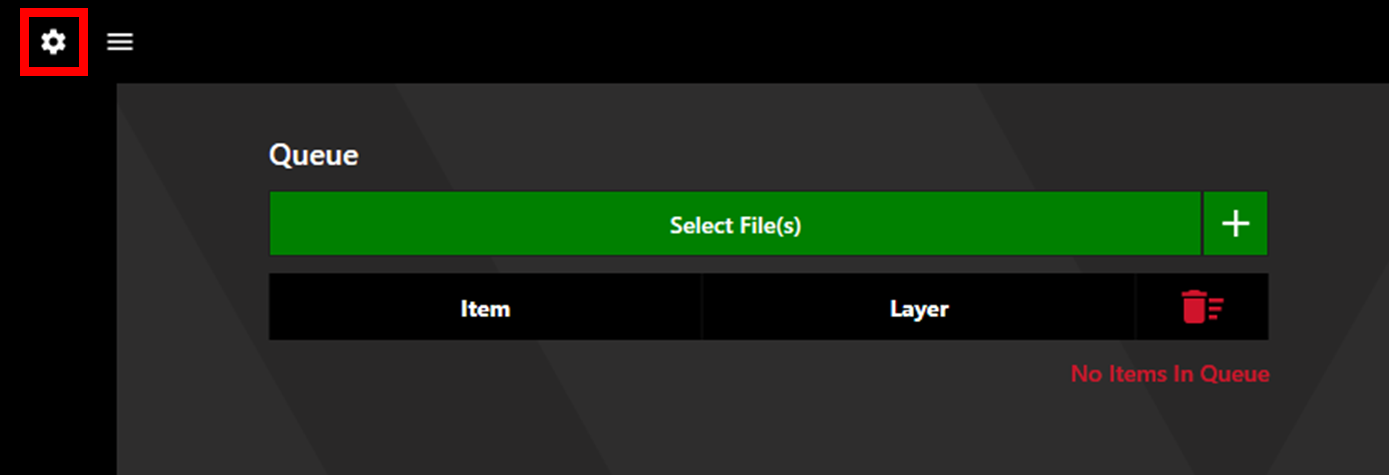
Access the Settings via the settings cog in the upper left corner.
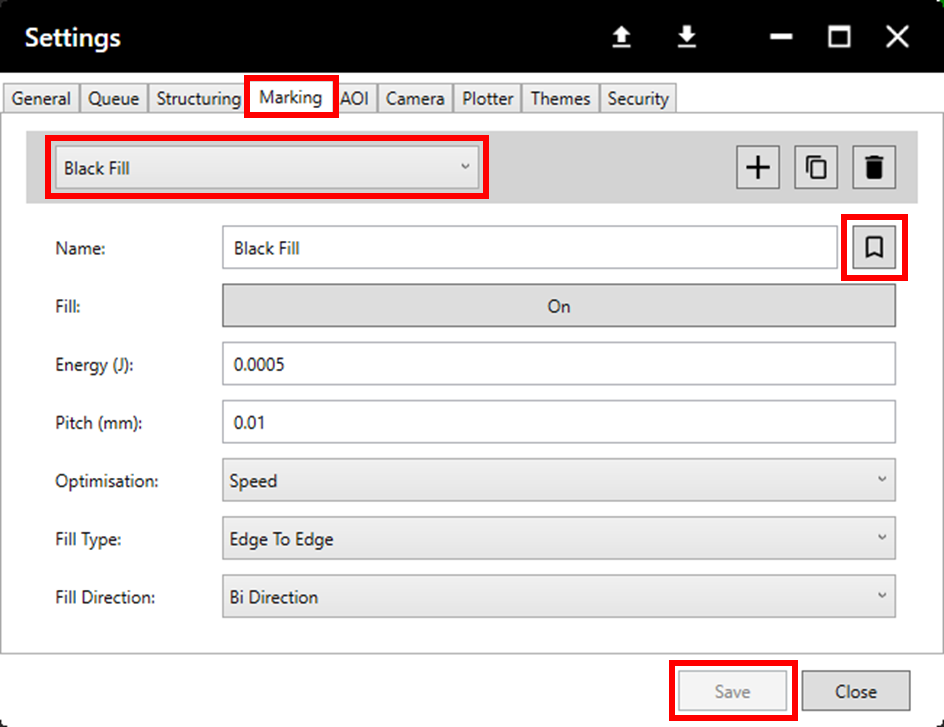
Select the desired process and recipe. Click the Bookmark label to set the recipe as the default for the chosen process, then click Save.
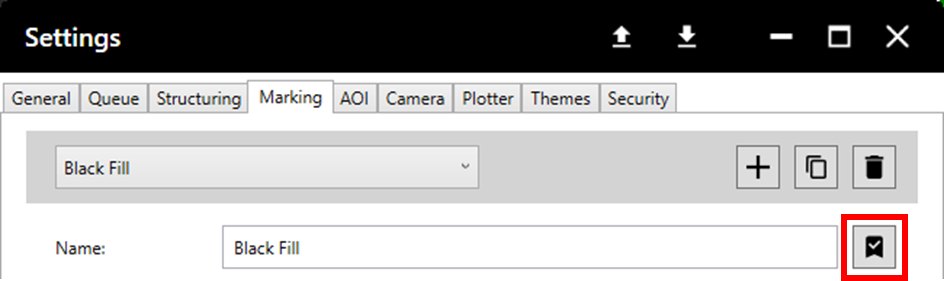
When set to default, the bookmark symbol will be black with a tick.