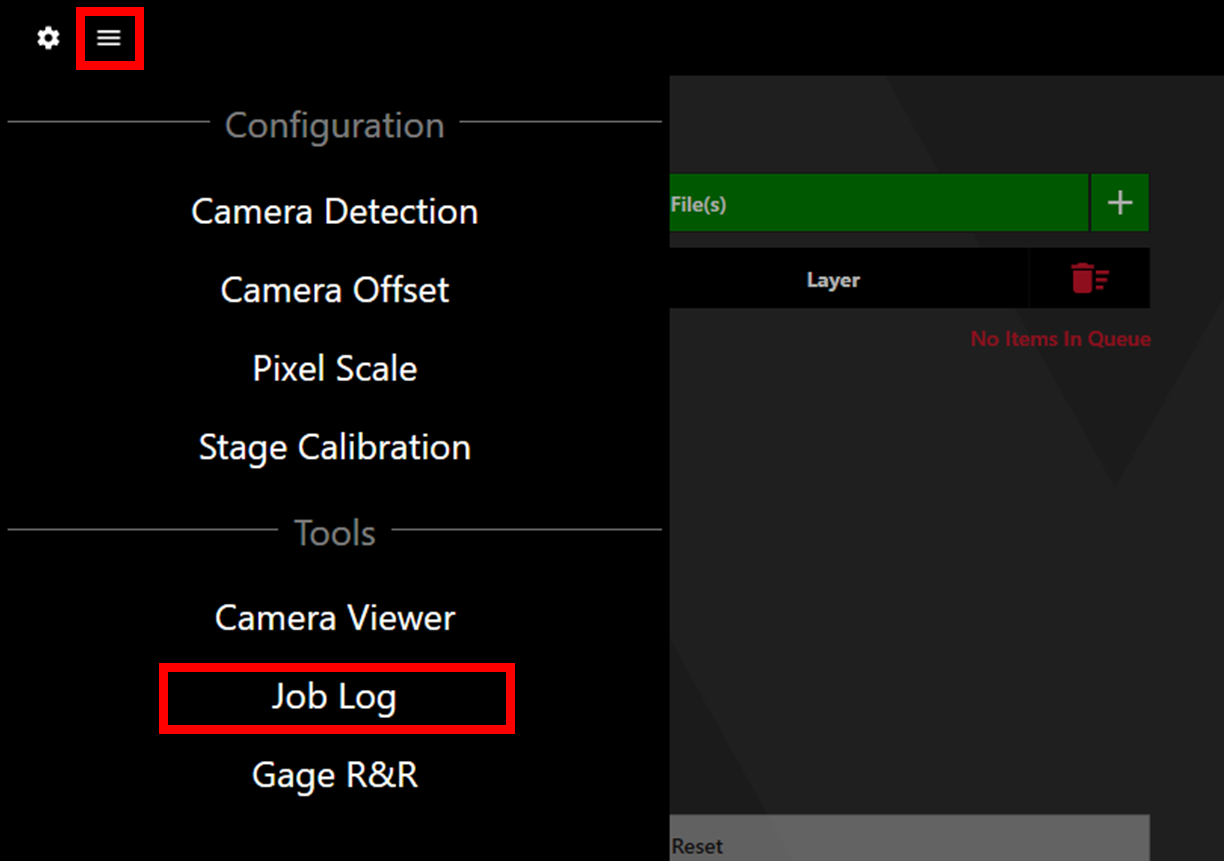
Access the Job Log via the menu button in the upper left corner of Watt Laser Suite.
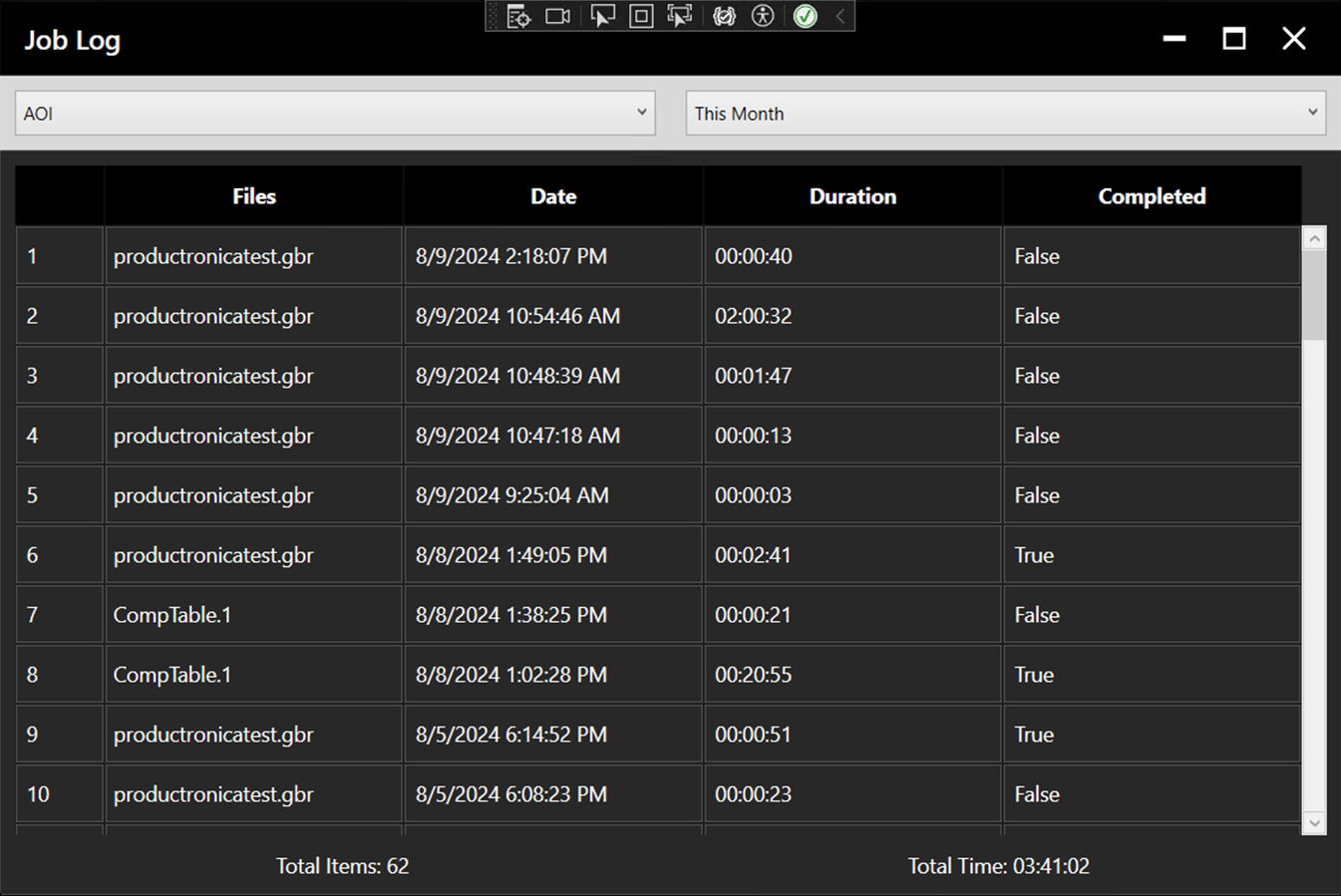
The Job Log window will open. Detailing the file, date, duration, and completion status of jobs within the chosen time frame. The total number of jobs and total time across these jobs are shown at the bottom of the window.
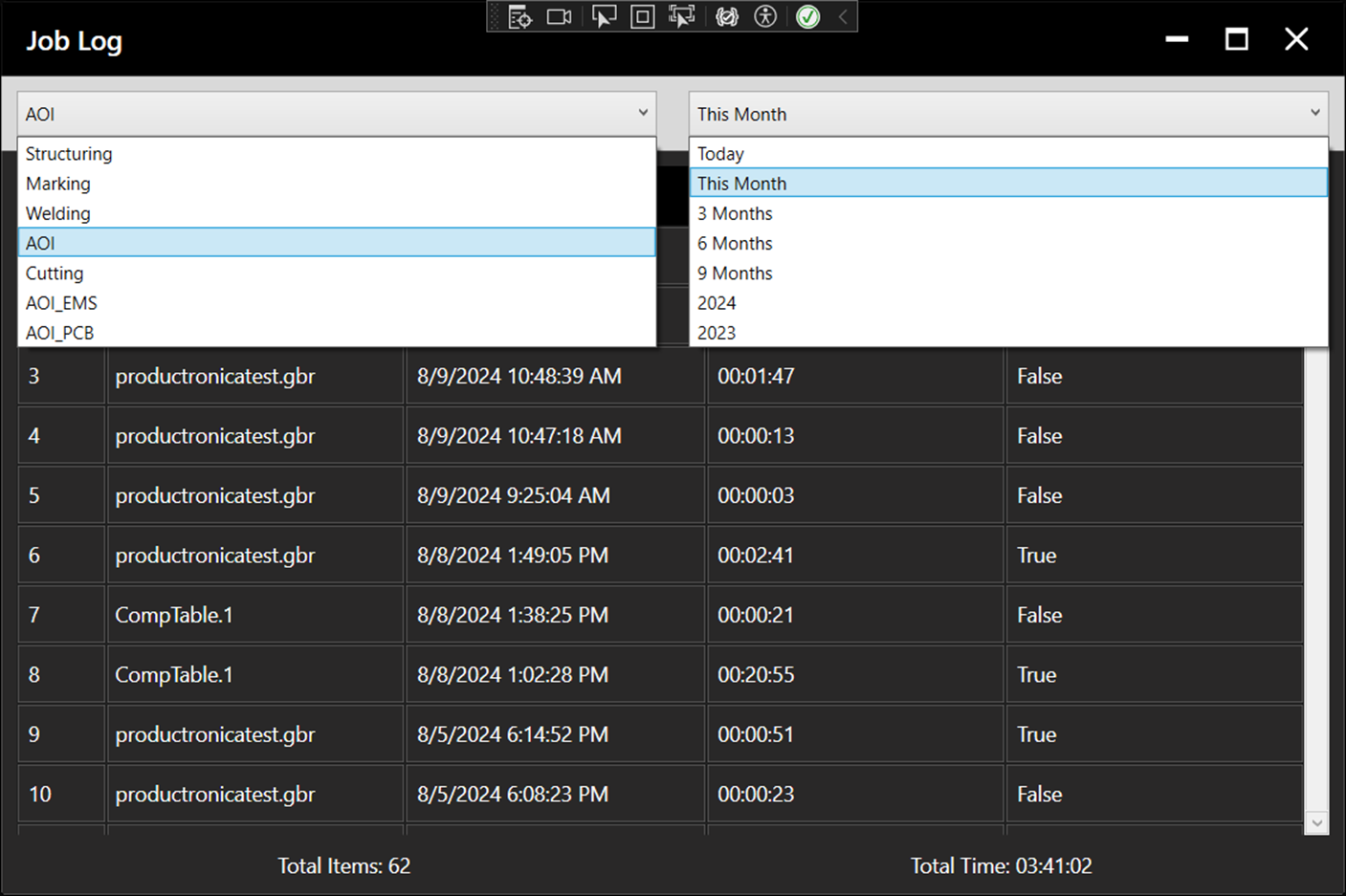
Use the dropdown menus to select the process and timescale.