TABLE OF CONTENTS
Creating a Ticket
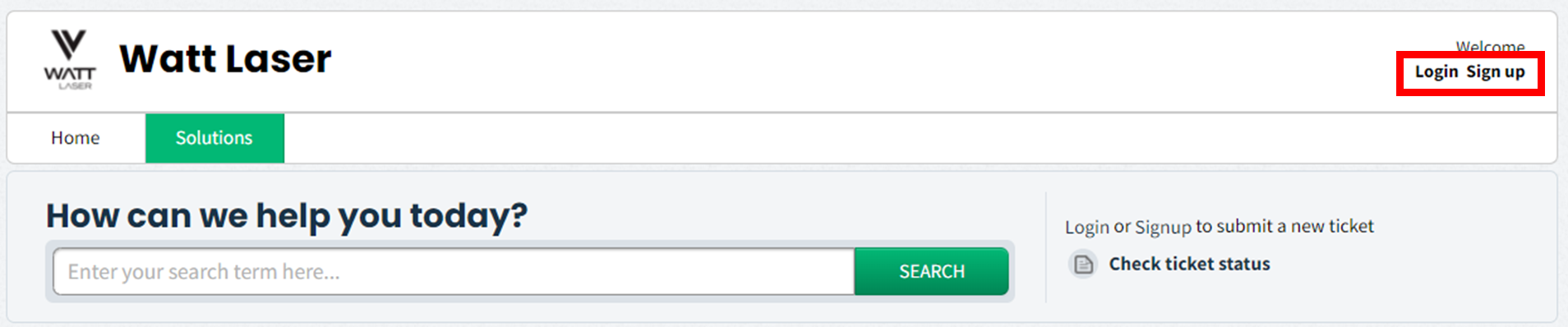
Access the Watt Laser Support website. Login/sign up.
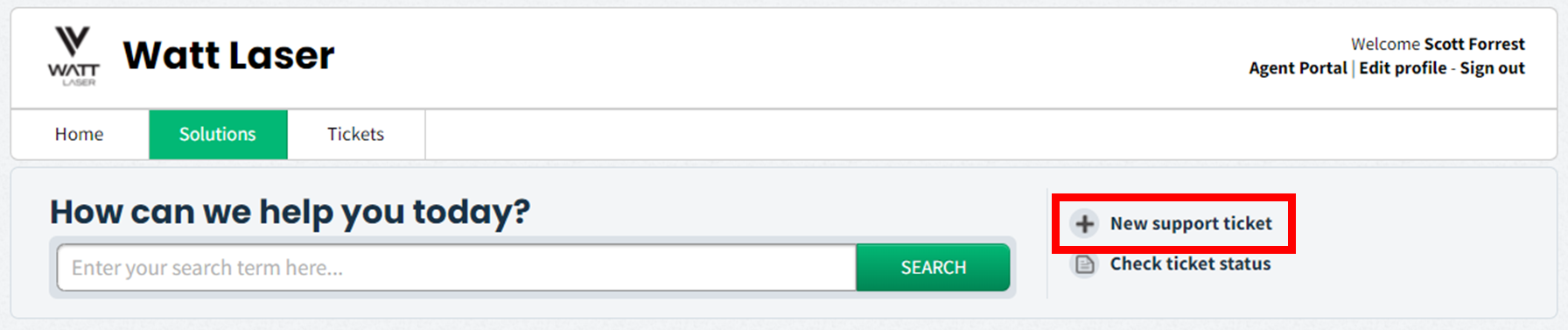
Once logged in, click New support ticket.
The ticket page will open. Fill in the relevant information.
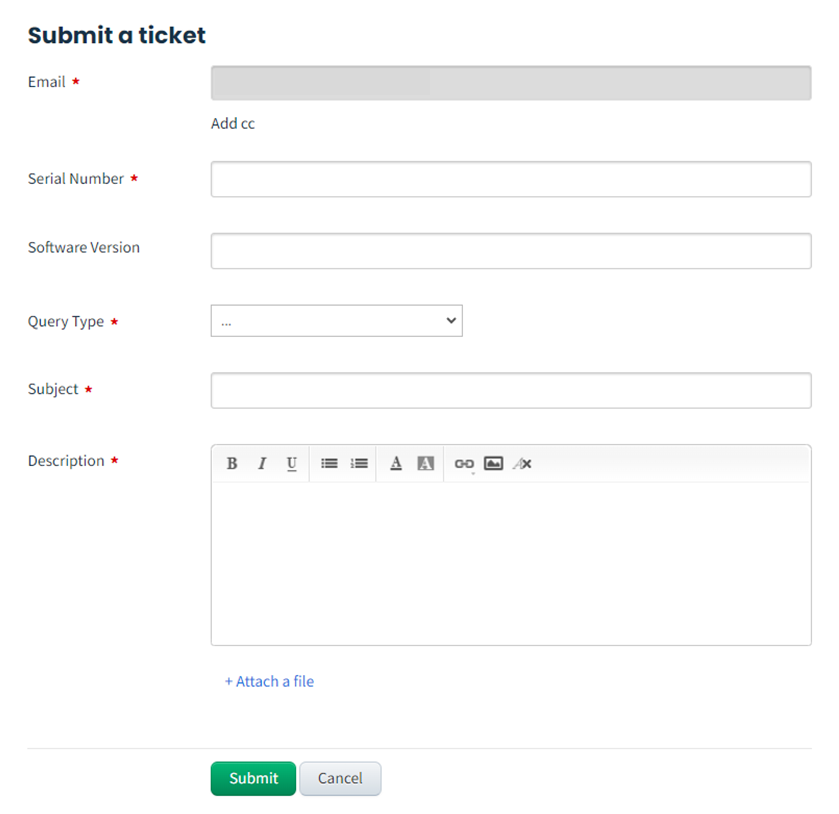
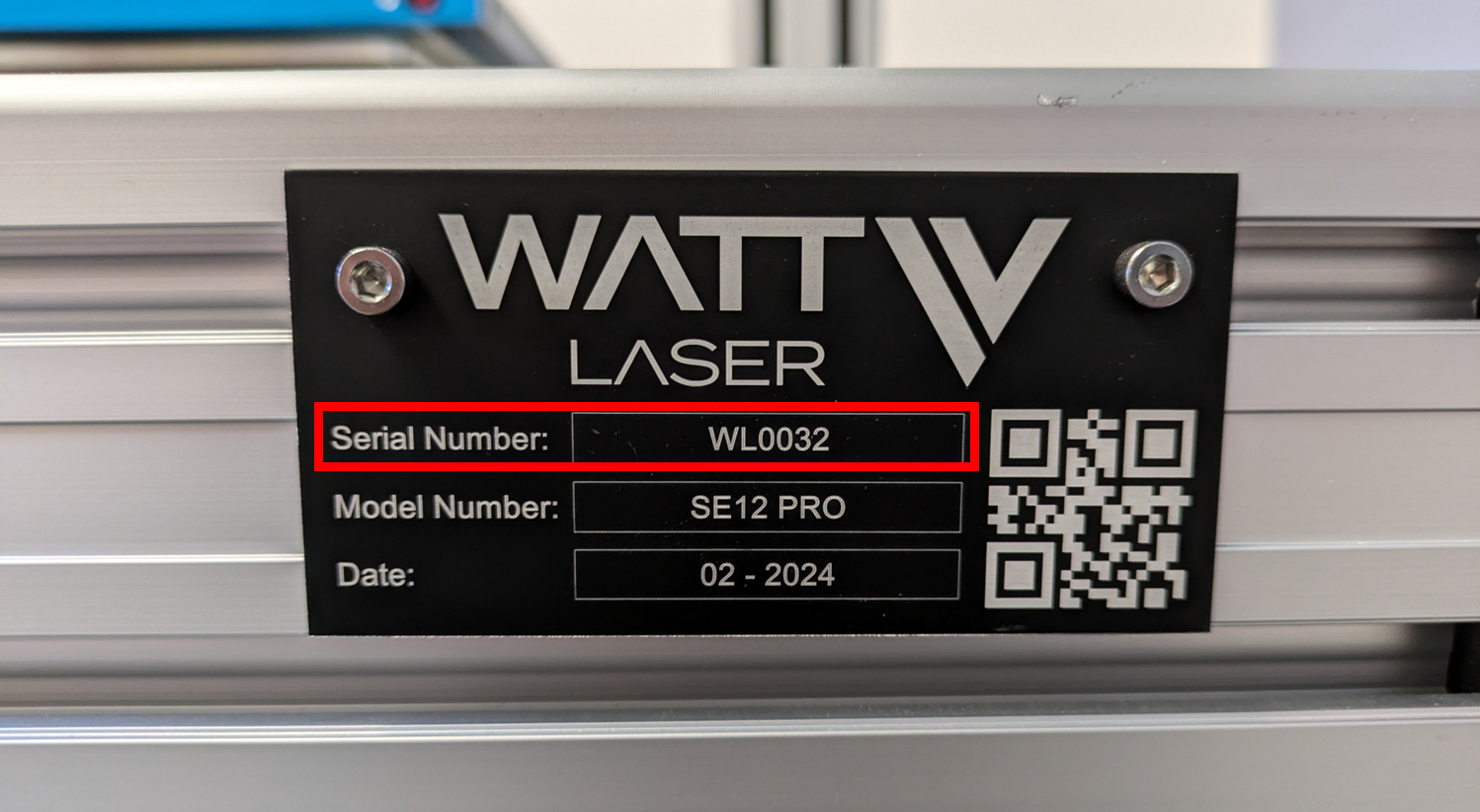
The Serial Number of the machine can be found on a metal plate attached to the front of the machine.
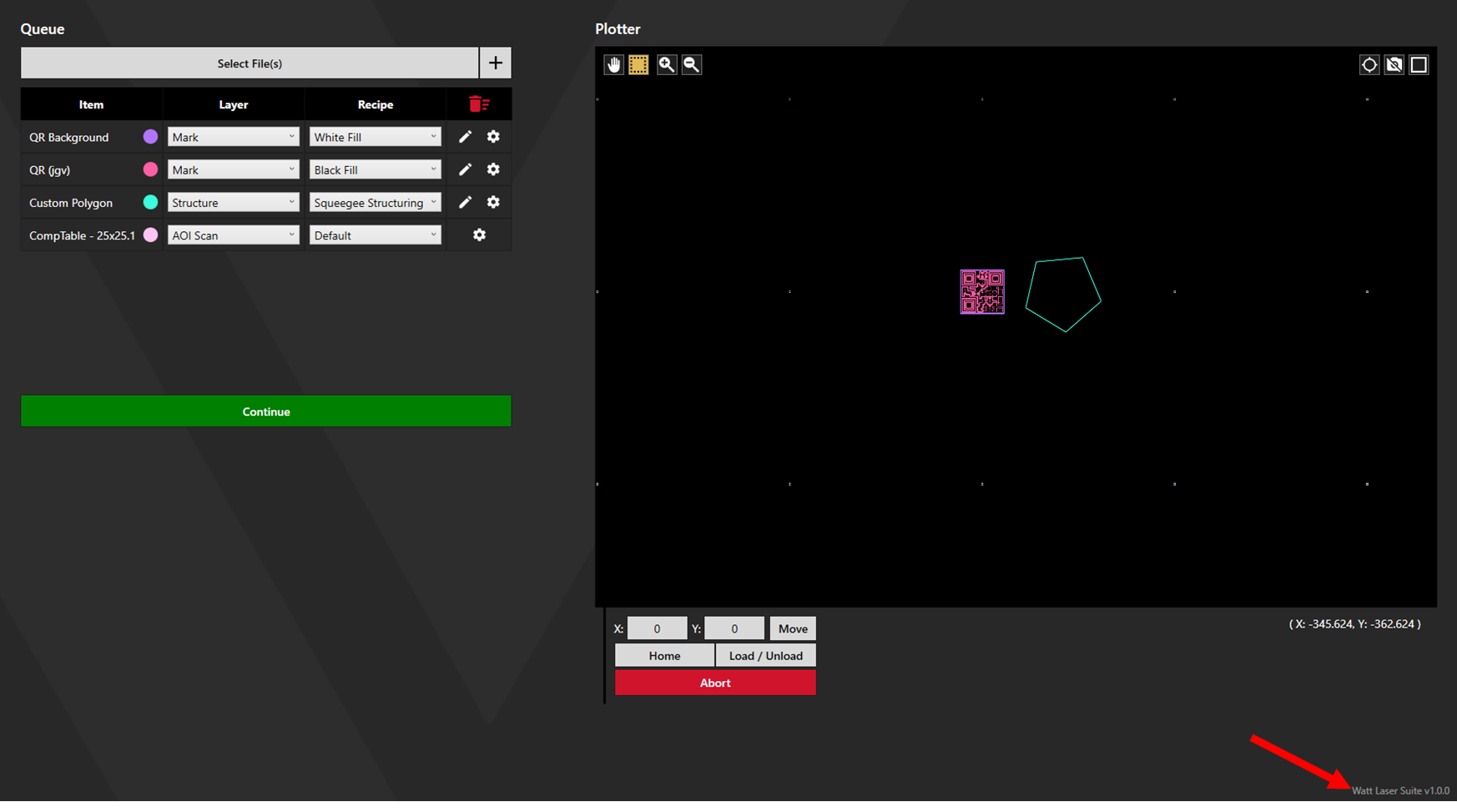
The software version can be found in the bottom right corner of the Watt Laser Suite app.
The description box allows links, files, and images to be attached. The more information provided, the more efficiently and effectively solutions can be found. The log is particularly useful when diagnosing software problems.
Log File
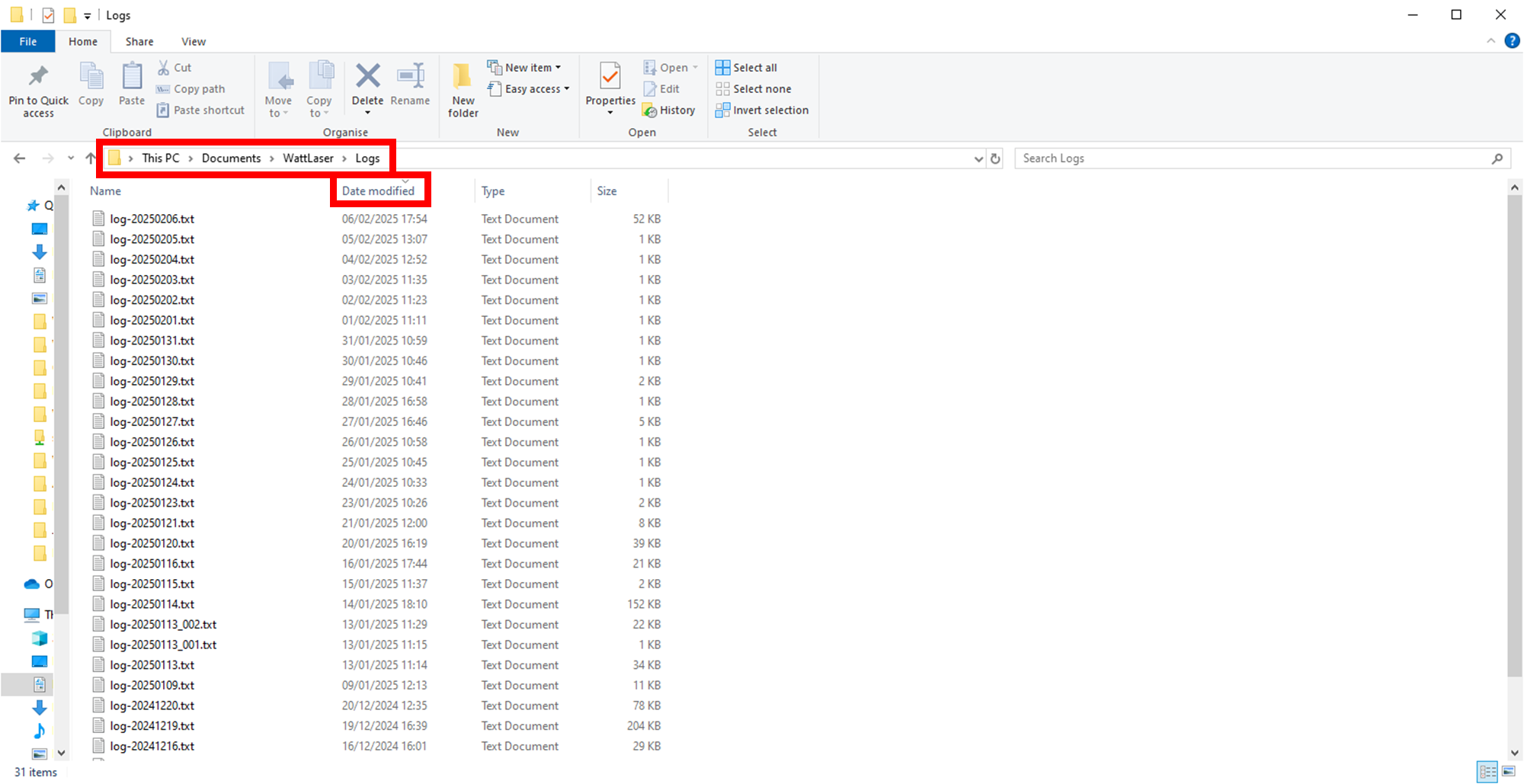
Access the log file in Documents > WattLaser > Logs. Sort by date modified, then select the most recent log. Alternatively, if the issue occurred on a previous date, select the log with that date as it's name.