
The default extension-layer associations are shown in the table below. These associations can be overridden by assigning the file extension to a different layer.
| File Extension | Default Layer |
| 1 | Cut |
| 5 | Mark |
| 12 | Alignment |
| 64 | Structure |
| 65 | Avoidance |
| 66 | AOIScan |
| 67 | Measure |
| 68 | View |
| 69 | Weld |
| NSG | Structure |
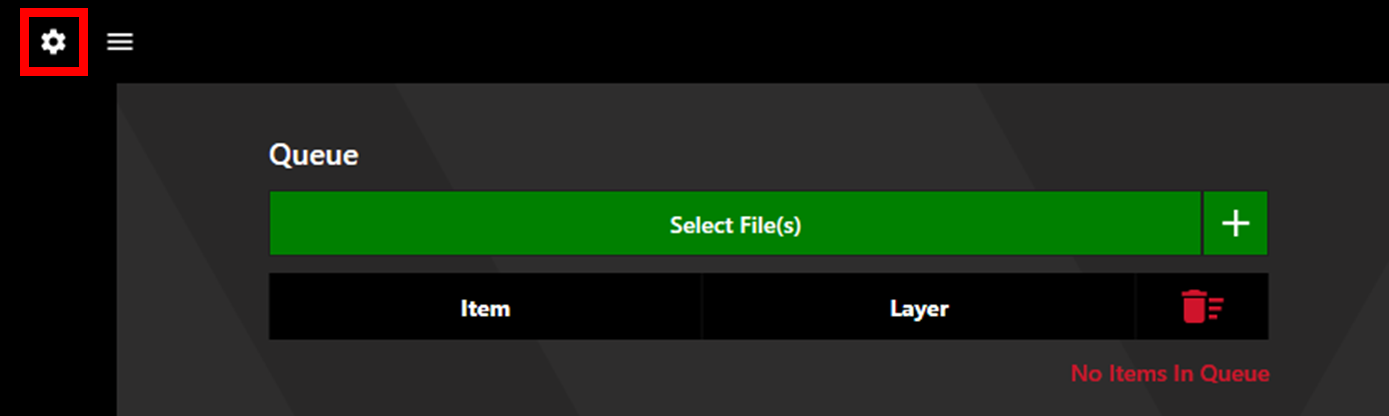
To edit and create file extensions and their associated layer, click the settings cog in the upper left corner of the Watt Laser Suite App and select the Queue tab.
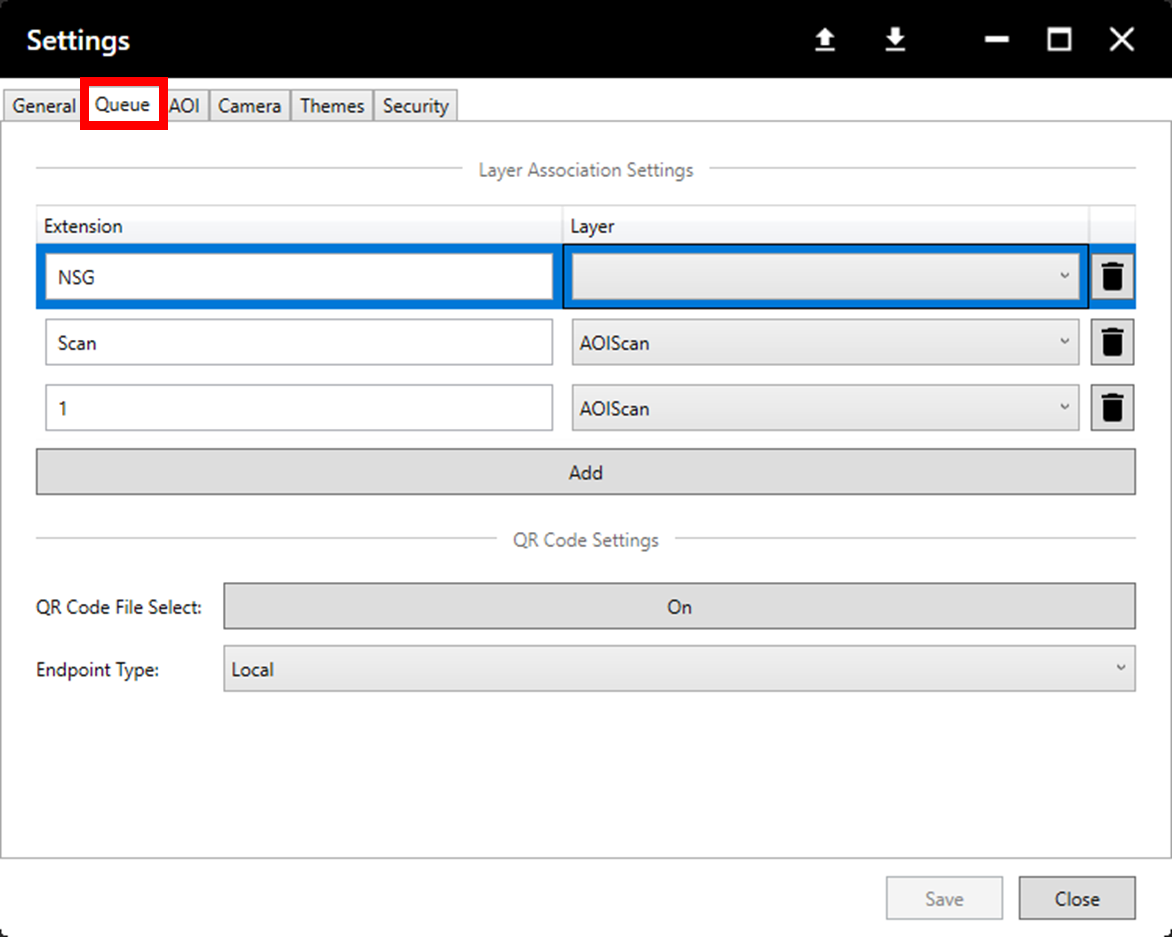
Multiple extensions can be simultaneously associated to the same layer.