After files have been loaded into the Watt laser Suite App, they are displayed in the Plotter. To centre the data, right click on the plotter and select Centre Data.
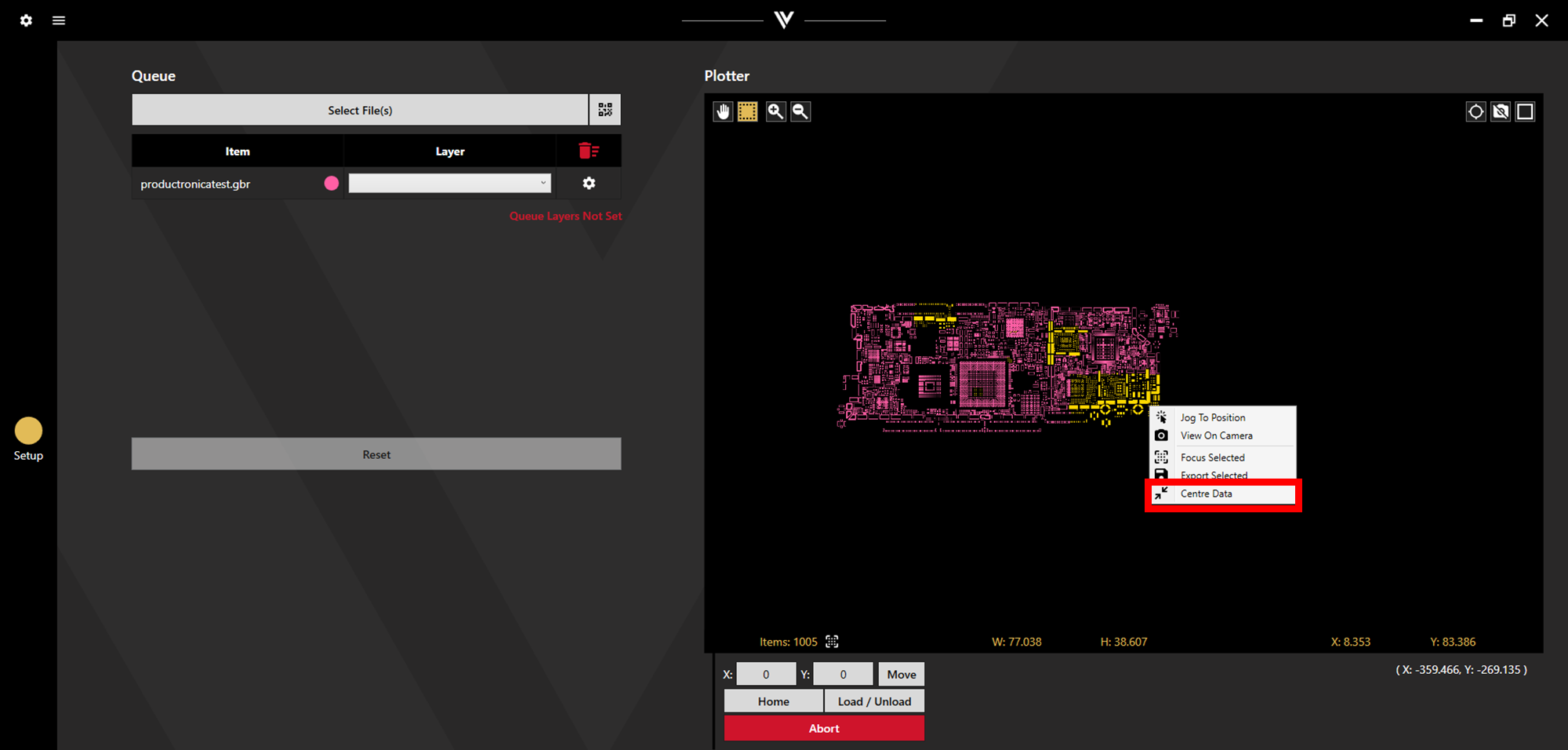
This is based on an overall outline of the data in the plotter. If multiple files have been loaded in, they will not move relative to each other, but will all move together to a centred position.
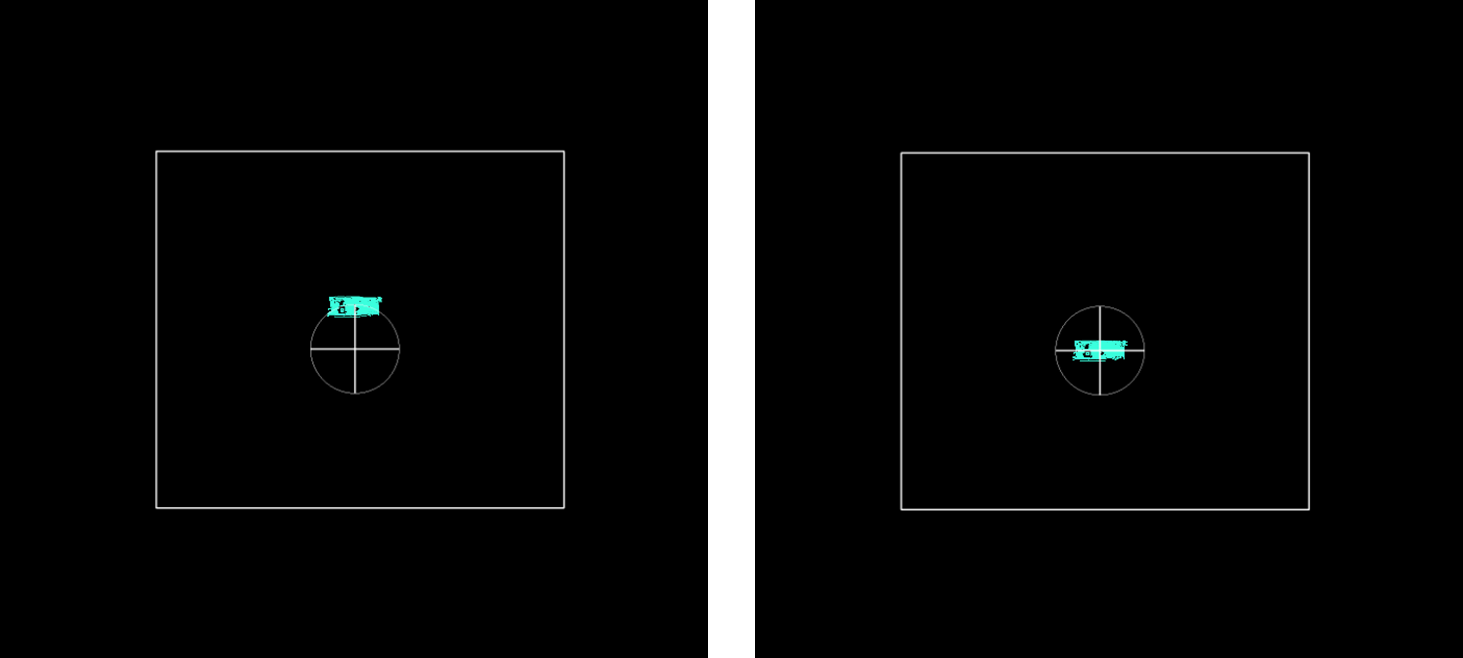
The images below show sample data before (left) and after (right) centring.