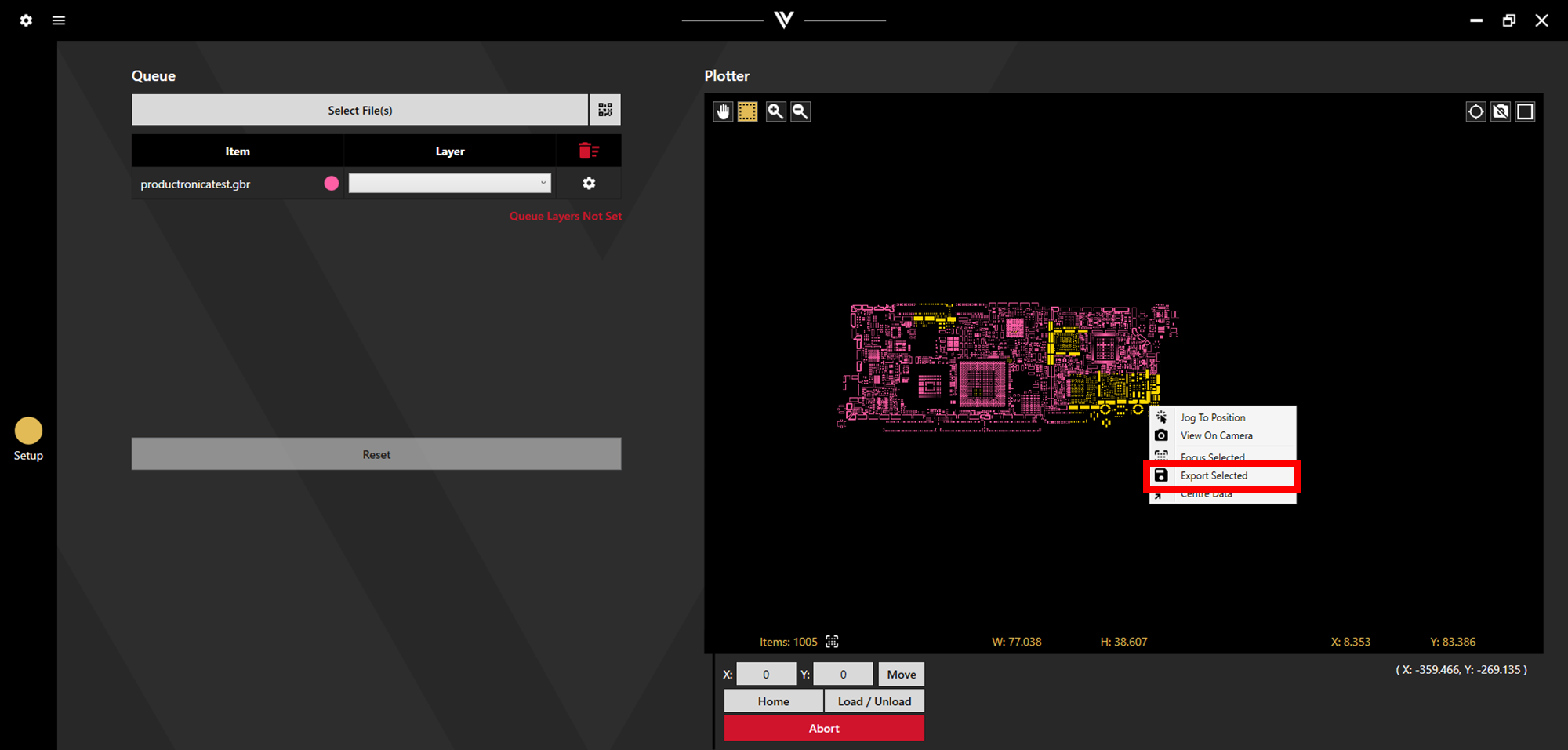
After files have been loaded into the Watt laser Suite App, they are displayed in the Plotter. Specific shapes from these files can be exported to a new gerber file.
First, select the desired shapes. Choose shapes individually by clicking them, or en masse by holding left click while dragging to box select. Hold Ctrl while selecting to make multiple selections. Selected shapes will be highlighted yellow.
Once all the desired shapes are chosen, right click and select Export Selected.