
TABLE OF CONTENTS
Saving a Queue
After creating a queue, right-click the headings at the top of the queue, then click Save Queue.
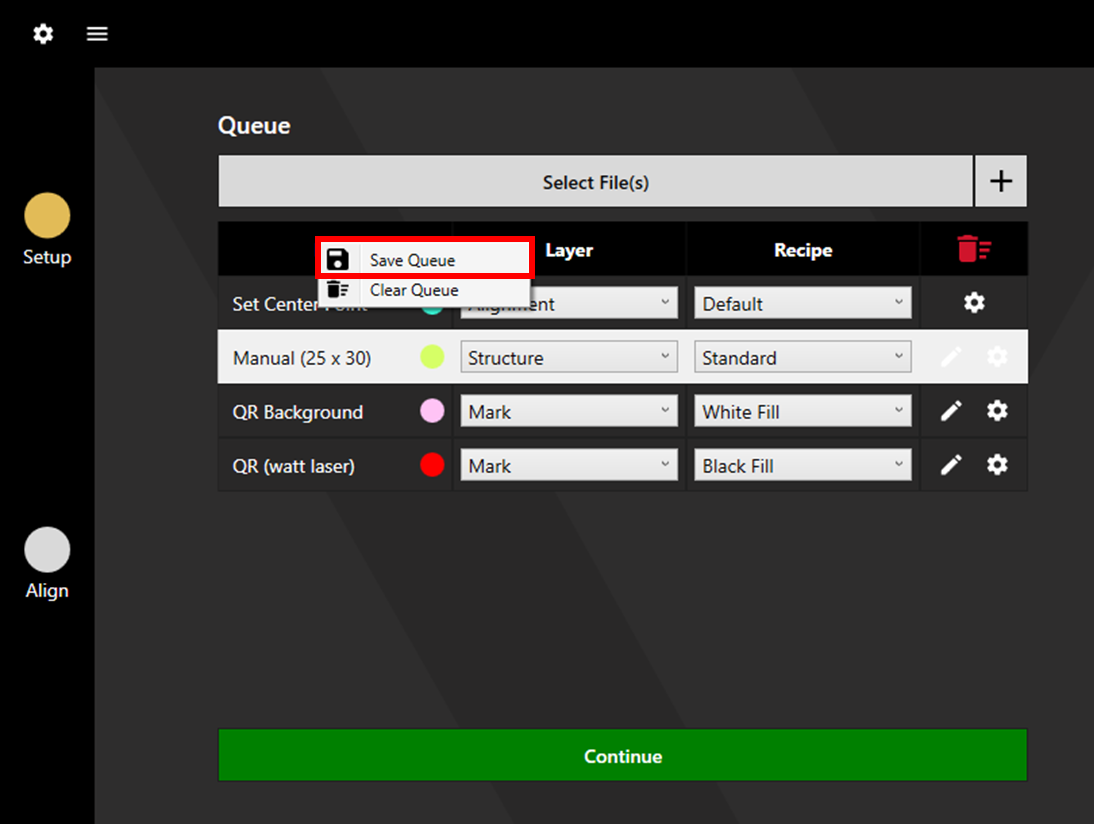
Set a name and choose the save location for the generated file.

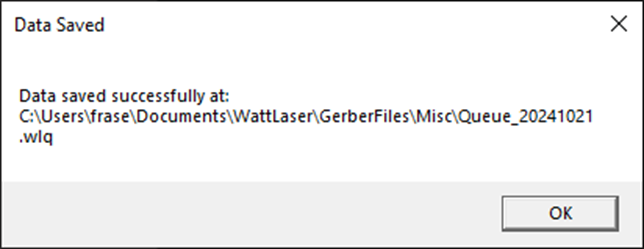
Once saved, a confirmation message will appear. Click OK.
Loading a Queue
Click Select Files, and select the previously saved Watt Laser queue file. The processes, layers, and recipes will load. Make any desired adjustments then click Continue to proceed.