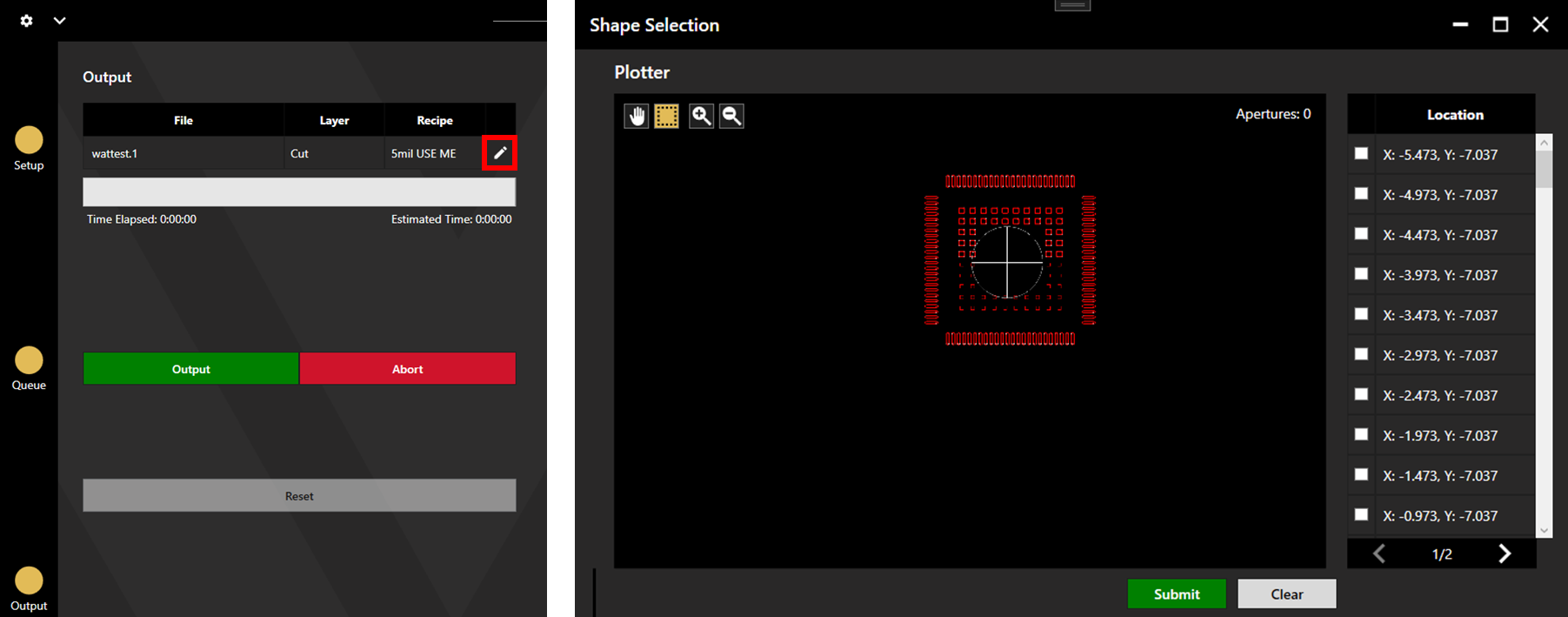
Specific apertures can be chosen for cutting from a file. To do this, carry out the WattCut process as standard.
Once on the Output screen, a pen icon can be seen on the right side files. Click this to open the shape selection window. Select the desired apertures for cutting using the Location list, by clicking the apertures in the plotter, or by box selection from the plotter. Hold Ctrl to make cumulative selections.