TABLE OF CONTENTS
Adding to the Queue
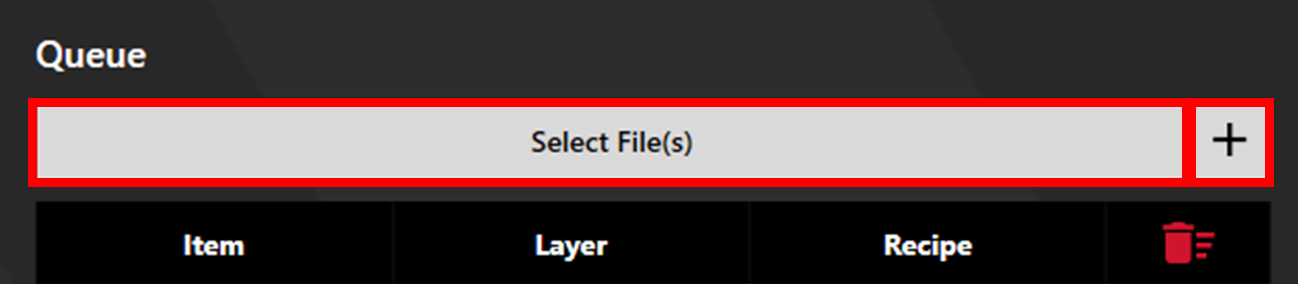
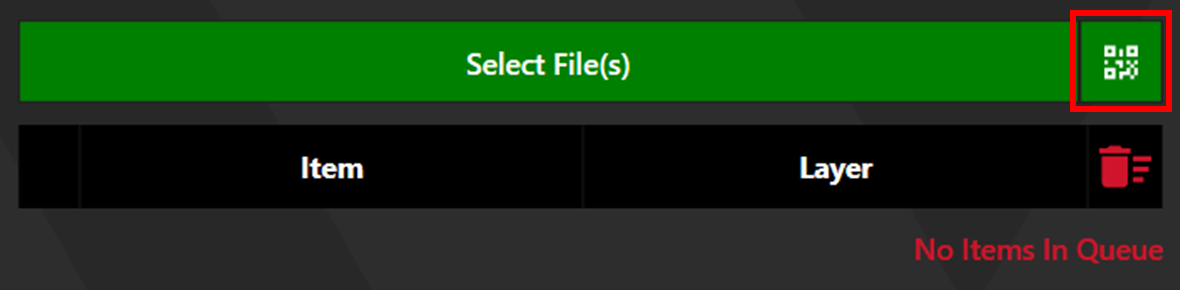
Add files to the queue by clicking select files, clicking the plus button (SE12/SE12Pro), or selecting QR file selection (QC100/SE12Pro).
Adjusting the Queue
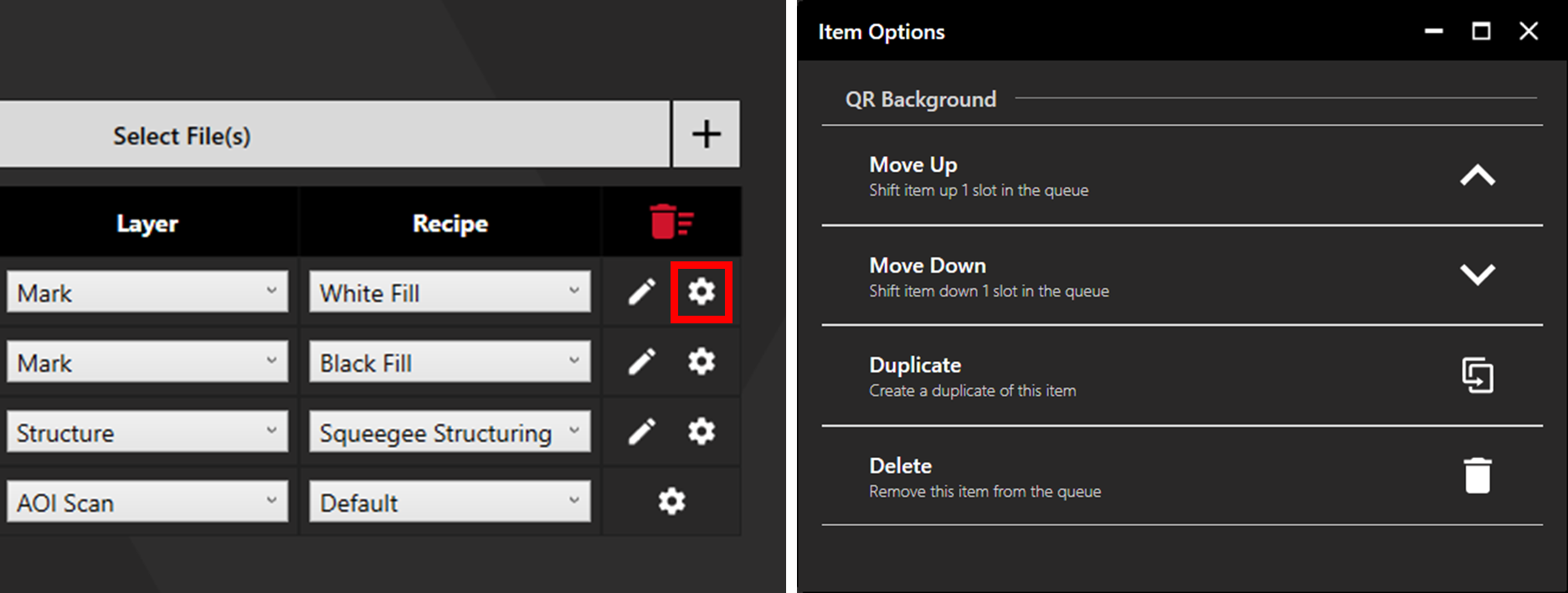
Right click an item to change the order, duplicate, or delete the item. Delete the entire queue by clicking the red trash button.
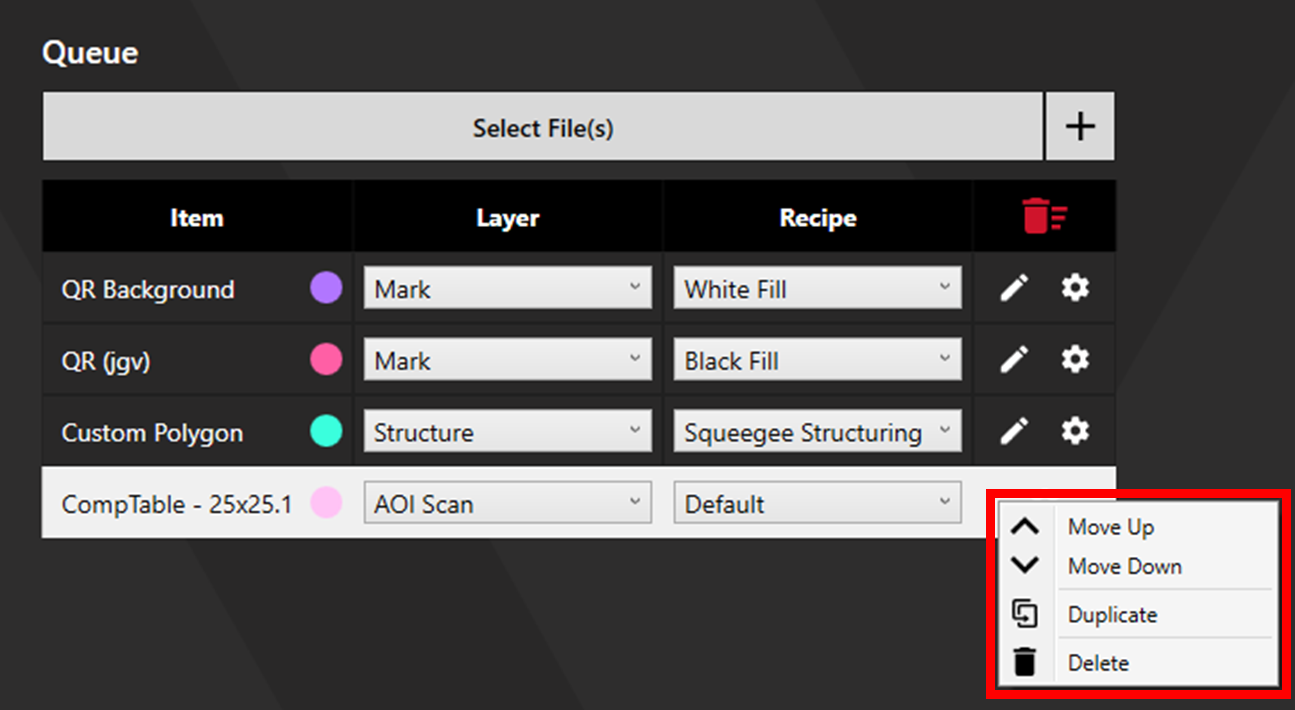
Alternatively, click the settings cog to access Item Options for the same effect.
Note: Operations will always follow the order Inspection > Marking > Structuring. Adjusting the order of items (Move Up/Move Down) will only change the order of operations within each process.
Layer Colours
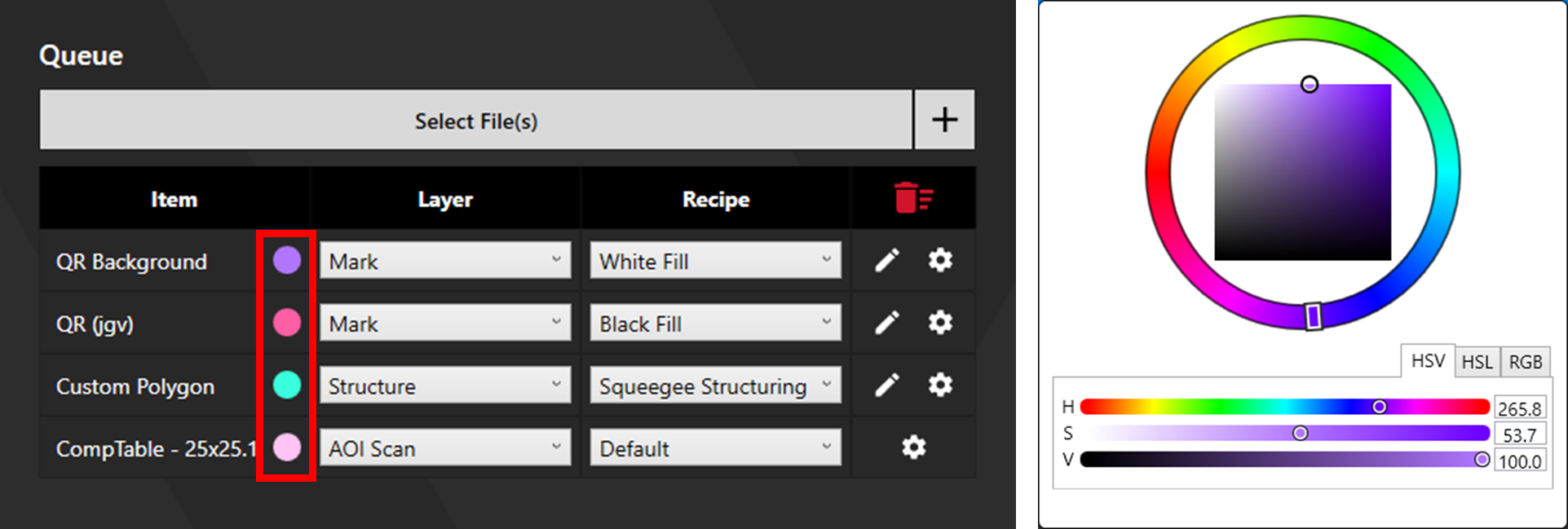
Change the colour associated with each item by left-clicking on the colour indicator.