
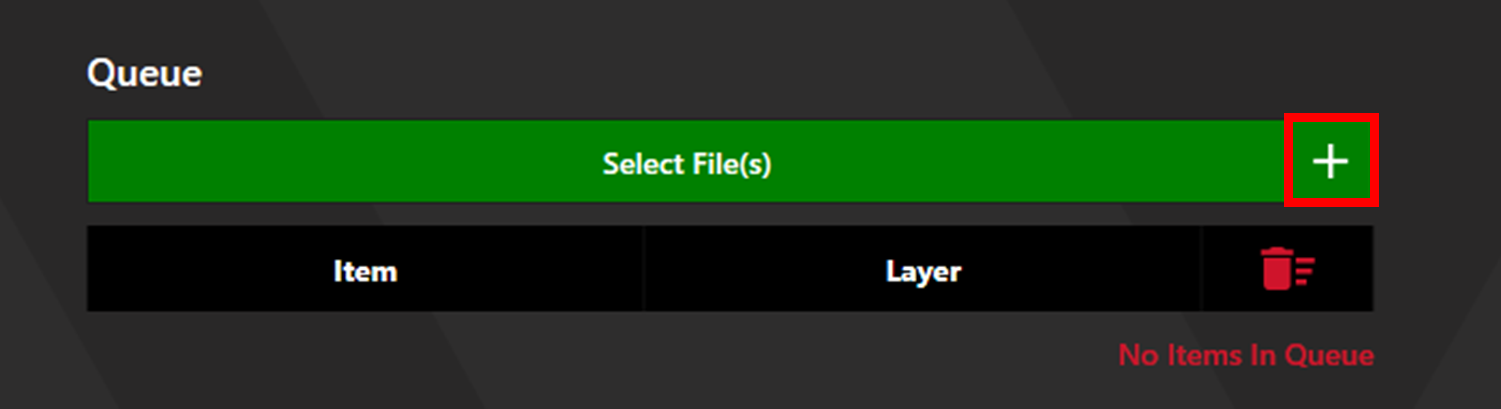
Click the plus button next to the Select File(s) button to access Unique Item Select, then select Set Centre.
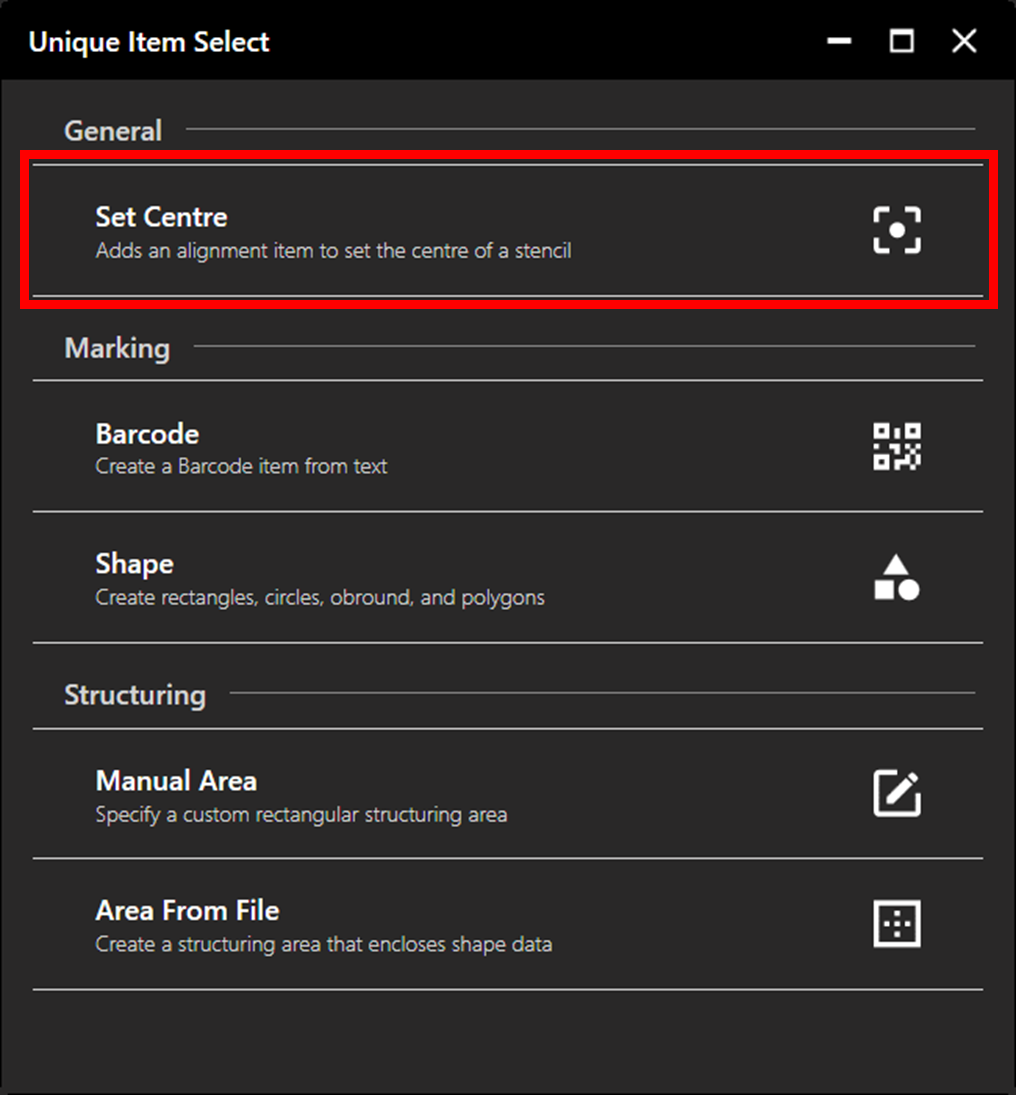
This will generate an alignment point at 0, 0. Set the appropriate recipe for the desired Camera Lighting Settings and Detection Settings. Additional files and processes can be added to the queue. Once setup is complete, click Continue to proceed to alignment.
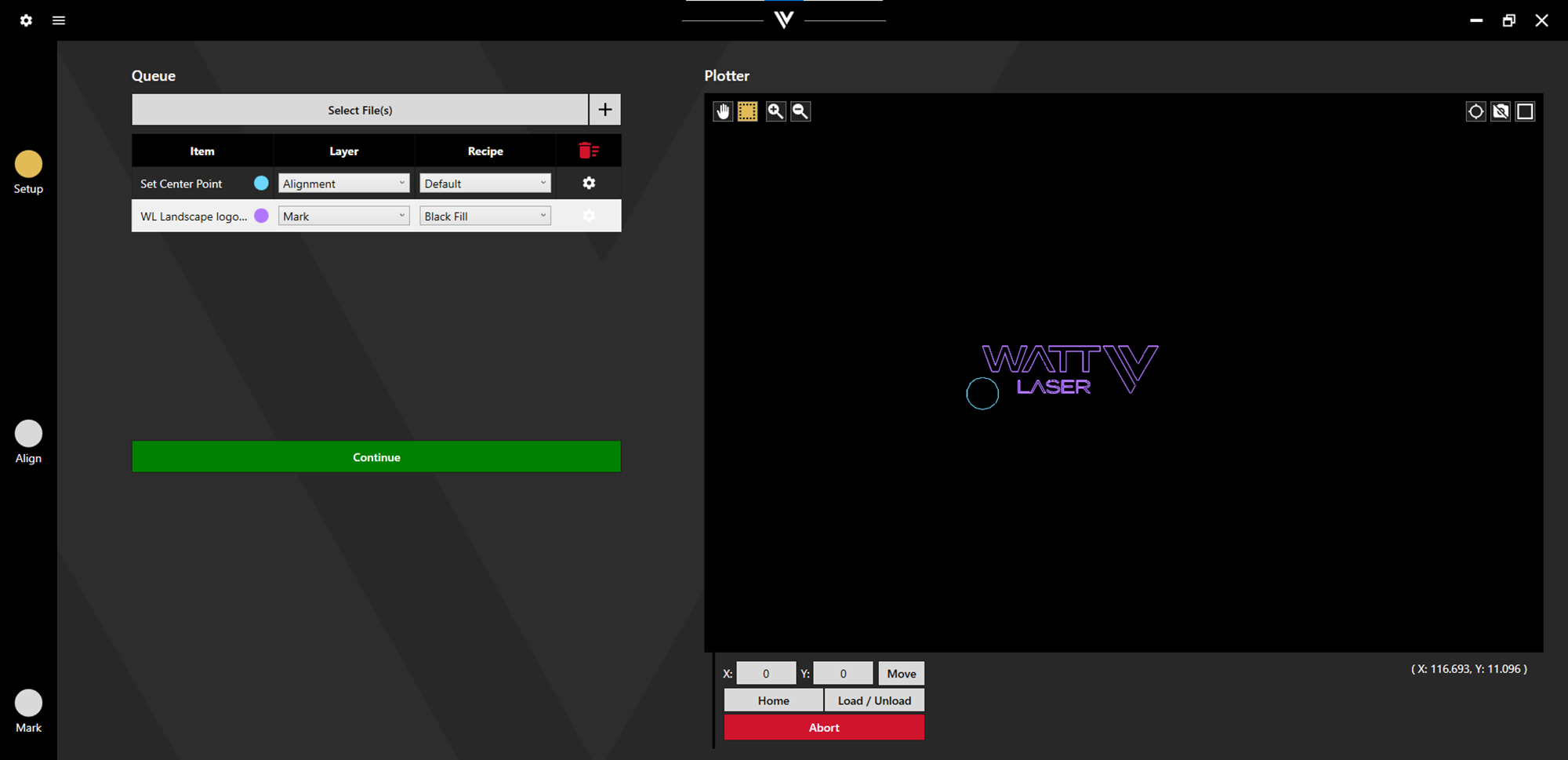
This feature can be used in a variety of ways. Using the queue shown above, the operator can align to any location on a stencil, allowing the output the Watt Laser logo to land as desired.
Alternatively, align to a known centre of a stencil to accurately set the true centre.